
Attention's Mobile App
Record any conversation from your phone and get a summary, a CRM update, and a next step. Download our iOS app here.
Record anywhere in one tap
Summaries and CRM updates, automatically
Your full call history, synced with web
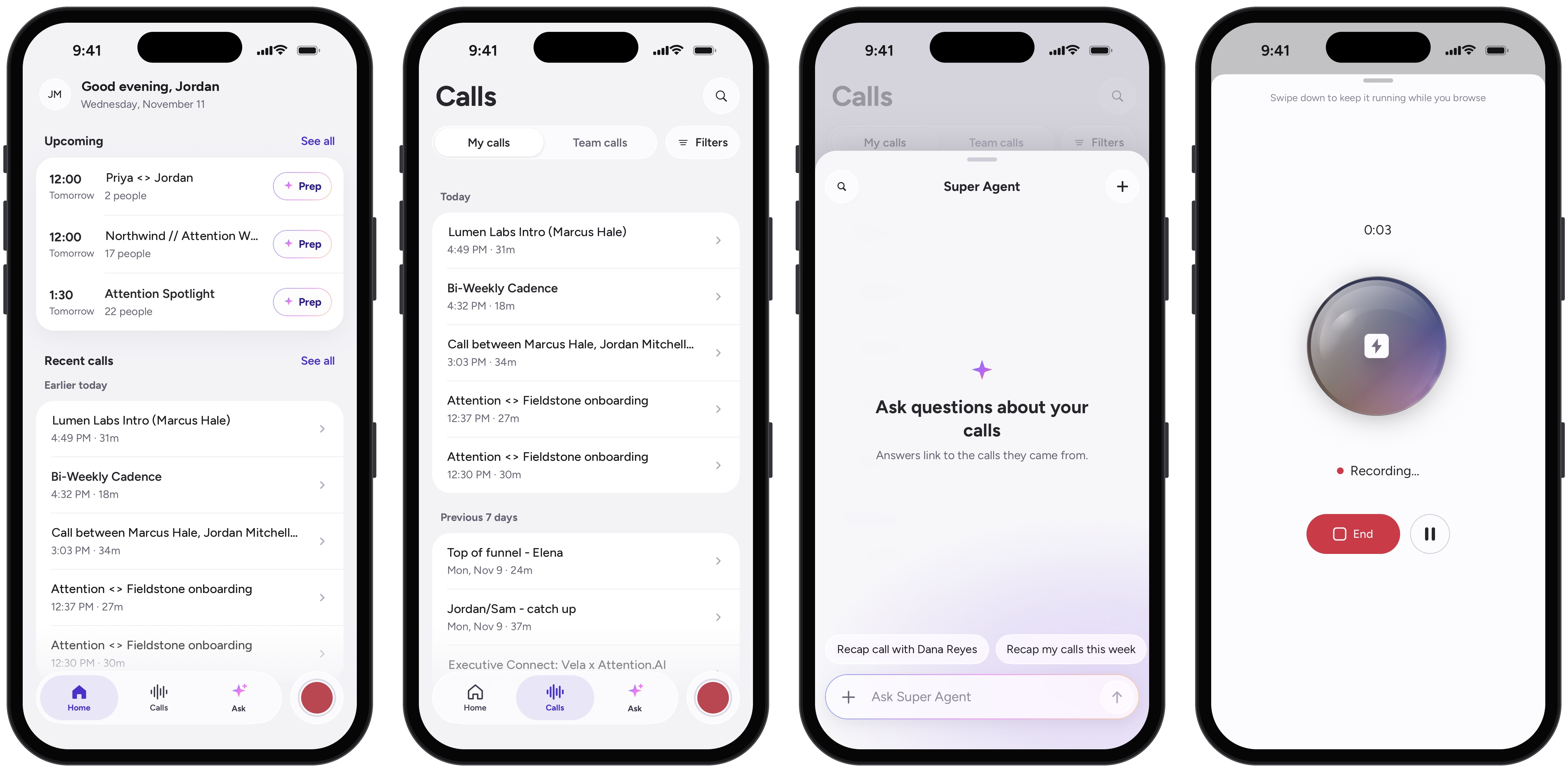
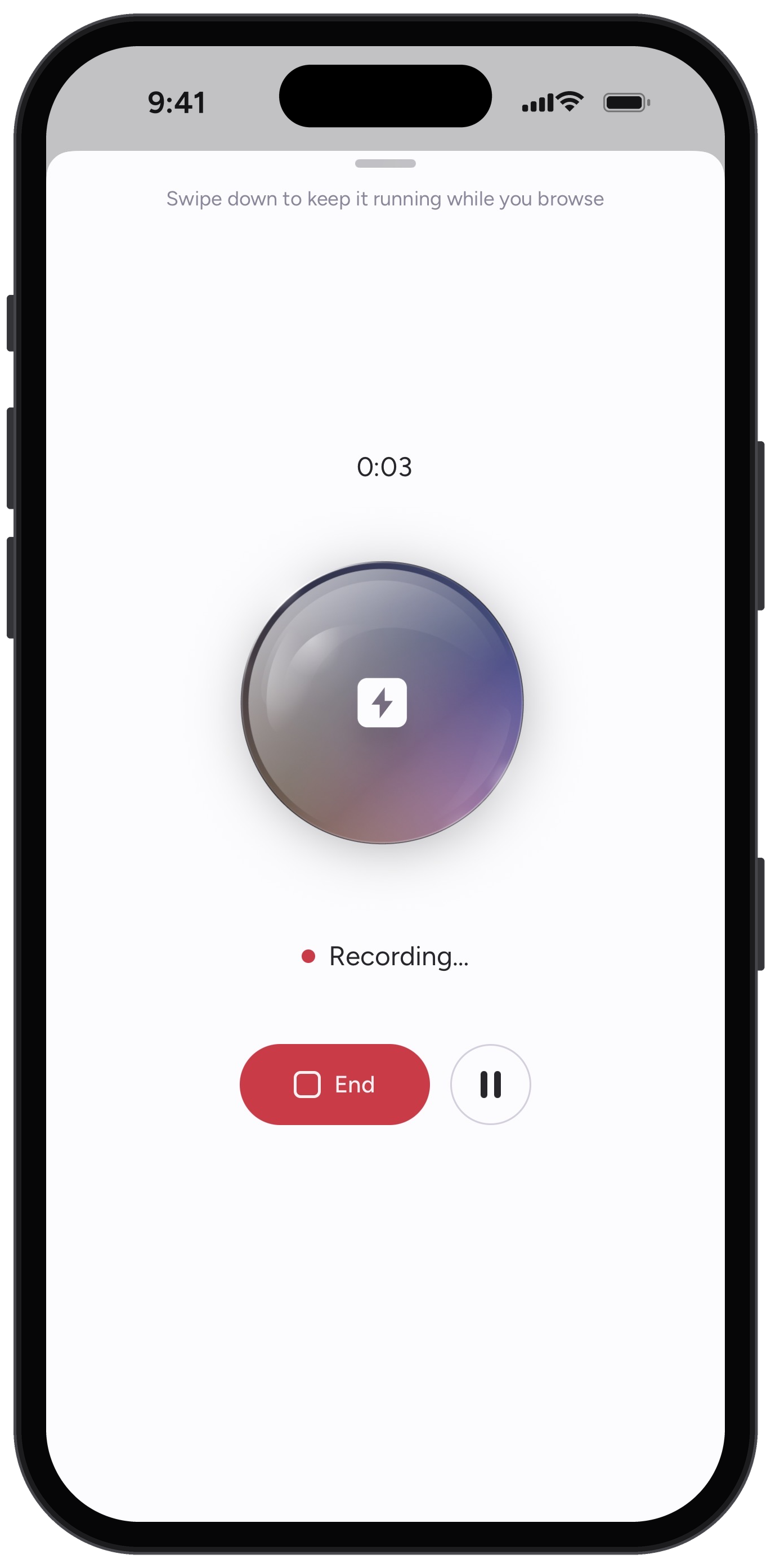
Record Anywhere
Coffee meetings, conference hallways, site visits. The deals that happen away from your laptop now land in your pipeline like everything else.
One tap to start, and it keeps running when you lock your phone or switch apps
Pauses for an incoming call, then picks back up
Audio stays on your device until upload confirms, so bad signal never costs you the meeting
Built for Deals, Not Just Notes
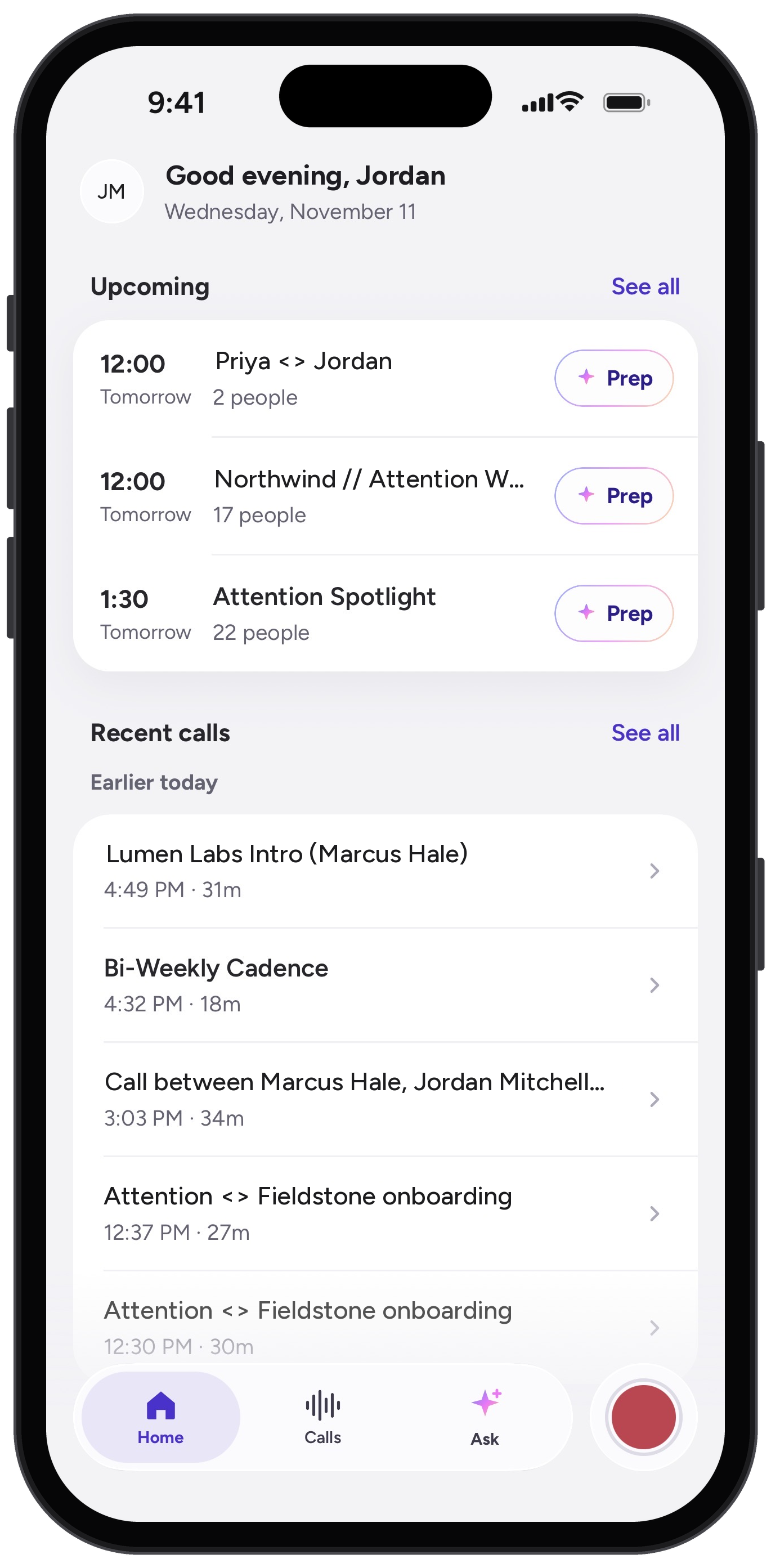
Phone recordings get the same treatment as your Zoom calls. Summaries, next steps, and CRM updates show up while you're still in the parking lot, and managers can review a rep's call between meetings.
Prep in the elevator
Pull up the last call with the account before you walk in. Tap any transcript line to jump there, at up to 2x speed.
Your whole call history
Everything from web and desktop, synced both ways. Filter by rep, team, and date.
Same login, same permissions
Sign in with SSO or your work email. Your team sees exactly what they see on web.
FAQ
Any questions? We'd love to help
Do I need an Attention account to use the app?
Yes. The app works with your company's Attention account. Sign in with SSO or your work email and you get the same access you have on web.
Does recording stop if I lock my phone?
No. Recording keeps going when you lock your phone or switch apps. If a call comes in, it pauses and picks back up once you hang up.
What happens if I lose signal during a meeting?
Nothing is lost. Audio stays on your device until the upload confirms. You can also download recordings to Files and listen offline.
Which devices are supported?
iPhone and iPad running iOS 16.4 or later. The app is free on the App Store. Download it here
Ready to learn more?
Attention's AI-native platform is trusted by the world's leading revenue organizations